Blog
Inbound Email Webhooks: Process Incoming Emails (API, 2026)
- Engineering
- Guides
- Webhooks
A comprehensive guide to receiving and processing incoming emails programmatically using webhooks. Learn how to build email-to-webhook pipelines, parse email content, and implement automated email processing.
The Challenge of Processing Incoming Emails
Whether you’re building an AI-powered workflow, a support ticketing system, email-based approvals, or conversational email flows, you need a reliable way to capture inbound emails and route them to your application.
The traditional approach—setting up SMTP servers, parsing MIME messages, and managing email infrastructure—is complex and error-prone. Modern developers need a simpler solution: email to webhook pipelines that convert incoming emails into HTTP requests your API can handle.
High-level Overview
Building an incoming email webhook system from scratch requires setting up an SMTP server to receive messages, configuring DNS records (MX, SPF, DKIM), and handling the complexities of email delivery—bounces, retries, and spam filtering. This infrastructure needs to be highly available since missed emails can mean lost customer communications.
Once emails arrive, you need a parser to handle raw MIME-encoded content. Email messages can contain nested multipart structures, multiple character encodings, inline images, and various attachment types. Extracting clean text, HTML, headers, and attachments reliably requires robust parsing logic. After parsing, you deliver the structured data to your webhook endpoint as JSON.
Implementation Options
| Feature | Pingram | DIY (AWS SES + Lambda) | Other Email Providers |
|---|---|---|---|
| Complexity | Low - managed service | High - build & maintain | Medium - domain required |
| Starting Cost | Free tier available | Pay for AWS resources | Varies by provider |
| SMS & Other Channels | Yes - unified platform | No - email only | Usually no |
| Reply Threading | Automatic | Manual implementation | Limited |
| Setup Time | Minutes | Days to weeks | Hours |
Option 1: Pingram
Pingram provides a fully managed inbound email webhook solution as part of its notification platform.
How it works:
- Add and verify your domain in the dashboard
- Use the built-in inbox address or set up custom inboxes
- Enable
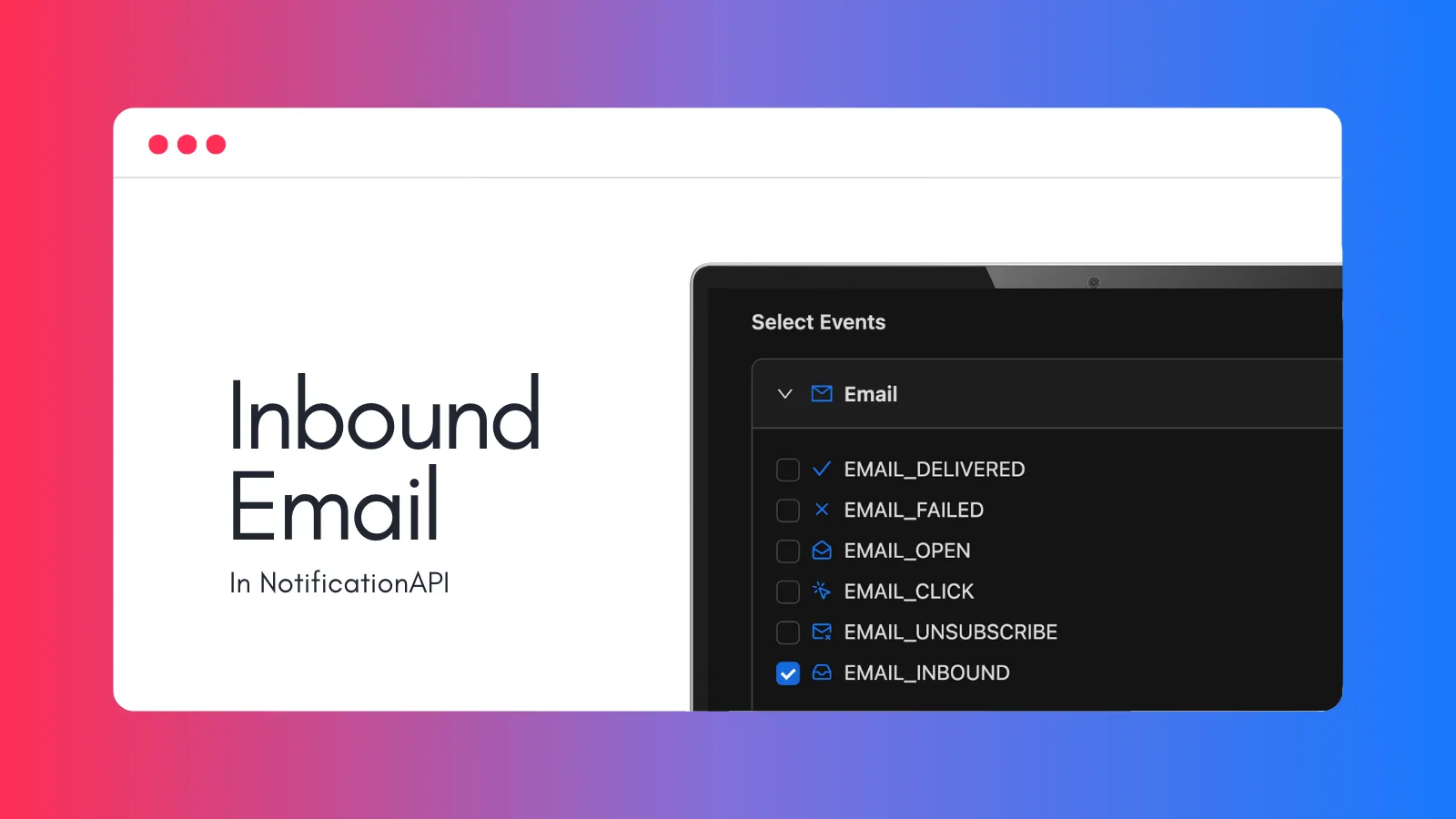
EMAIL_INBOUNDwebhook event - Start receiving webhooks with parsed email content
Webhook payload:
{ "eventType": "EMAIL_INBOUND", "from": "customer@example.com", "fromName": "Jane Customer", "to": "support@yourapp.com", "subject": "Re: Order #12345", "bodyText": "When will my order arrive?", "trackingId": "018d5a2b-3c4d-7e8f-9a0b-1c2d3e4f5a6b", "userId": "user_123", "type": "order_confirmation"}Pros: Simplest setup, automatic reply threading, unified with outbound notifications, SMS and other channels included, free tier
Cons: Vendor dependency
Option 2: Build Your Own Infrastructure
If you want complete control, you can build your own serverless email processing pipeline:
AWS SES + S3 + Lambda:
- Verify your domain in AWS SES
- Configure MX records pointing to SES inbound endpoint
- Create SES receipt rules to store incoming emails in S3
- Set up an S3 bucket with appropriate permissions
- Create a Lambda function triggered by S3 object creation events
- Parse raw MIME content using libraries like
mailparser - Forward the structured data to your application webhook
Pros: Full control, no vendor lock-in
Cons: Managing domain verification and DNS records, handling bounces and spam filtering, implementing retry logic, threading conversations manually, ongoing maintenance
Option 3: Other Email Providers
Services like Mailgun, SendGrid, or Postmark offer inbound email parsing. You configure your MX records to point to their servers, and they forward parsed emails to your webhook.
Pros: Established providers, support for marketing use cases
Cons: Requires domain, setup complexity, complex pricing, no unified SMS/email platform
Best Practices for Email Webhook Processing
1. Idempotent Handlers
Email systems may retry delivery. Design your webhook handler to be idempotent based on trackingId or messageId. Store processed message IDs and skip duplicates to avoid processing the same email twice.
2. Quick Response, Async Processing
Return a 2xx response immediately, then process asynchronously. This prevents webhook timeouts and ensures reliable delivery acknowledgment.
3. Handle Attachments Carefully
Large attachments can cause memory issues. Consider:
- Setting payload size limits
- Storing attachments in cloud storage (S3, GCS)
- Processing attachments asynchronously
Security Considerations
- Implement rate limiting per sender to prevent abuse
- Validate sender addresses against known users
- Use spam scoring services for public-facing inboxes
- Sanitize HTML content before displaying to prevent XSS
- Scan attachments for malware before processing
- Strip potentially dangerous email headers
- Validate content lengths to prevent memory exhaustion
Monitoring and Debugging
Implement comprehensive logging for your email automation webhook system:
- Log all received webhooks with timestamps and message IDs
- Track processing status: received, processing, completed, failed
- Monitor webhook delivery latency
- Alert on high failure rates
- Maintain audit trail for compliance
TLDR
Processing incoming emails programmatically requires handling email reception, MIME parsing, and webhook delivery. Your options:
- Pingram: Simplest setup, automatic reply threading, unified with outbound notifications and SMS
- DIY (AWS SES + Lambda): Full control but significant infrastructure overhead
- Other email providers: Middle ground, but separate from your notification system
For most developers building SaaS products with email notifications, a managed solution like Pingram saves significant development time while providing better user experience through automatic conversation threading and unified multi-channel support.